AI DevelopmentJapan AI Field Guide
Building a Japanese–English AI Chatbot with Your Business Documents
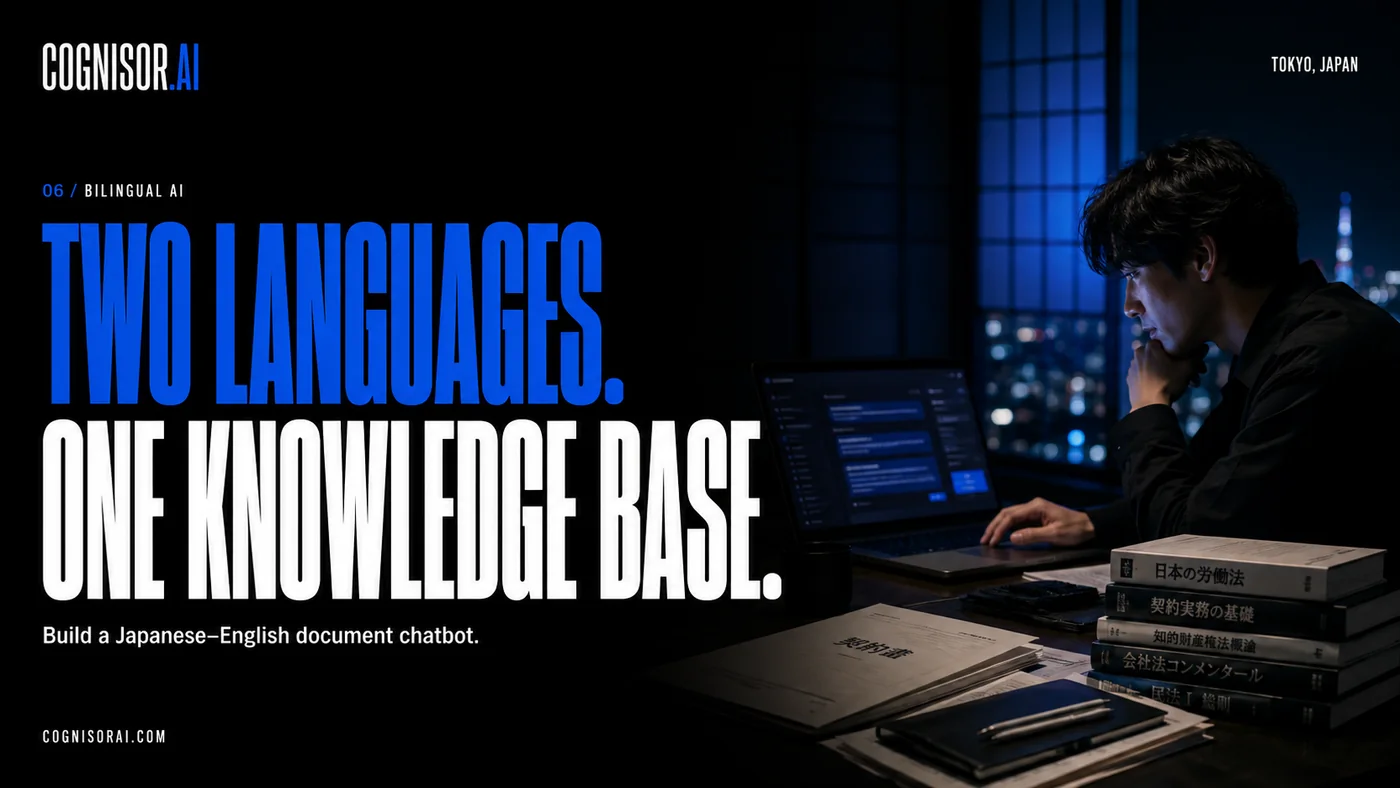
A practical guide to bilingual RAG chatbots: document preparation, retrieval, permissions, source citations, and Japanese–English evaluation.
At a glance
- Prepare reliable source documents before choosing an interface.
- Test retrieval and answer quality separately in both languages.
- Apply document permissions before information reaches the model.
On this page
What a document-grounded chatbot can do
A business chatbot becomes more useful when it can find relevant information from your approved documents and show where an answer came from. Retrieval-augmented generation, usually shortened to RAG, combines retrieval with a language model. Microsoft’s documentation describes this pattern as a way to ground responses in retrieved information.
RAG does not make every answer correct. If the system retrieves an outdated policy or misses a crucial exception, a fluent response can still be wrong. For a Japanese–English assistant, assess the document collection, retrieval behavior, and answer quality as separate parts of the product.
Choose one document collection for the first release
Start with material that has an owner and a clear update process: product documentation, internal operating procedures, or an approved FAQ. Record each document’s title, version, effective date, language, and permitted audience. Remove duplicate drafts and identify documents that contradict each other.
For scanned documents, check whether text extraction preserves important names, numbers, and table relationships. A model cannot reliably repair a retrieval pipeline that silently loses a price unit or attaches a heading to the wrong paragraph. Inspect representative extracted text before connecting the chatbot.
Design retrieval for how people ask questions
Collect realistic questions from the intended users. Include Japanese product abbreviations, English acronyms, spelling variants, and mixed-language requests. A useful test is an English question whose authoritative answer is only in a Japanese document, followed by the reverse.
Maintain a small terminology list for business-specific names. Decide whether equivalent Japanese and English documents are translations of one source or independently maintained materials. When two documents disagree, the assistant needs a priority rule or a way to flag the conflict rather than silently choosing a convenient answer.
Keep permission checks outside the model’s discretion
Authenticate the user and restrict retrieval to the documents that user may access. An instruction in a prompt asking the model to keep secrets is not a substitute for controlling which information is retrieved. Review what is stored in logs and how long it is retained.
For the first release, keep the assistant read-only. Let it explain or locate information before considering actions that update another system. That makes the workflow easier to evaluate and gives your team time to decide where approvals belong.
Evaluate the answer and its supporting source
Create a review sheet with the question, expected source, essential facts, unacceptable claims, and preferred response language. Include questions that the collection cannot answer. A good response to missing information should make that limitation clear and offer an appropriate next step.
- Does the cited document actually support the answer?
- Are names, dates, amounts, and units preserved?
- Does the answer respect the requested language and business tone?
- Can a reviewer open the cited source?
- Does an unauthorized user remain unable to retrieve restricted content?
Plan document updates as part of delivery
Choose who approves new content, how quickly it enters the search index, and how deleted or superseded material is removed. Test an update before launch: change a known fact in a sample document, run the update process, and verify the new answer and citation.
Cognisor AI can discuss a scoped AI development project in Japan around your document collection. Use our small-business workflow guide to choose the first use case, or bring representative documents to a consultation through an agreed sharing process.
Sources and further reading
- Retrieval-augmented generation and Azure AI Search ↗
Microsoft Learn